Plan and publish shifts
Schedule work, set times and locations, then publish the roster to the team.
Plan staff shifts, allocate people to jobs and give your team an easy way to see where and when they are working. EarthRoster keeps the schedule connected to employee responses and workplace details.
EarthRoster brings job names, shift times, locations and employee assignments into one view. Administrators can manage rosters on desktop and employees can use a mobile browser to keep up with their work.
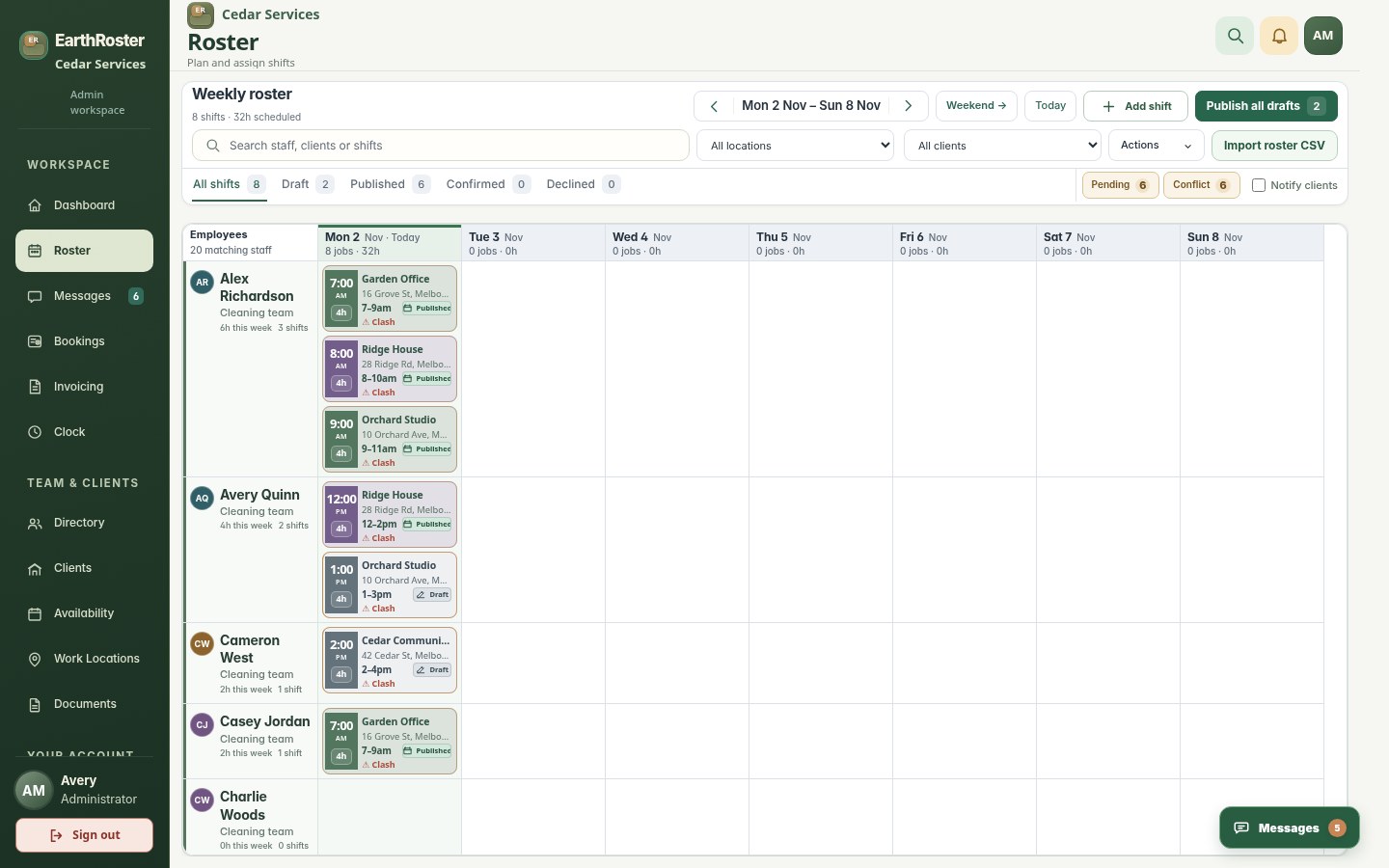
Schedule work, set times and locations, then publish the roster to the team.
Keep client names and addresses alongside the scheduled jobs they belong to.
Identify employees who have confirmed, declined or are yet to respond.
Company access controls ensure team members only see information they are permitted to use.
Create a job, choose its day and time, and assign your employees.
Share scheduled work and make the roster available to your authorised team.
See who is ready, then adjust assignments when plans change.
The seven-day trial includes all currently available features, with capacity for 100 total people. It begins when the company owner verifies their email and the workspace is activated.
Yes. EarthRoster is designed for desktop and mobile web browsers.